If you’re searching for the ultimate tournament ready gaming setup, you’re not just looking for flashy RGB lights or the most expensive gear—you want a competitive edge. Whether you’re grinding ranked matches, entering local competitions, or preparing for high-stakes eSports events, the right setup can directly impact your reaction time, precision, and overall performance.
This article breaks down exactly what goes into building a tournament ready gaming setup—from high-performance peripherals and optimized hardware to desk ergonomics and gadget-driven enhancements that serious players rely on. We focus on practical, performance-based recommendations, not hype.
Our insights are built on in-depth gaming gear testing, analysis of pro-level configurations, and proven eSports strategies used by competitive players. By the end, you’ll know which upgrades truly matter, how to fine-tune your environment, and how to transform your space into a setup designed to win.
Building a tournament ready gaming setup means eliminating every potential bottleneck. Start with a high-refresh-rate monitor (240Hz or higher), because refresh rate—the number of times your screen updates per second—directly affects how quickly you see enemy movement. Pair it with a GPU capable of sustaining matching frame rates to avoid screen tearing and input lag.
Next, choose a low-latency mechanical keyboard with linear switches and a lightweight mouse under 65 grams; reduced actuation force and mass translate to faster reactions. Finally, use wired Ethernet over Wi-Fi. In competitive play, stability beats convenience—every millisecond counts. Flashy RGB lighting is irrelevant here.
The Core Engine: Prioritizing Frames-Per-Second and Stability
If you’re building a tournament ready gaming setup, here’s the hard truth: flashy visuals don’t win matches—stable, high FPS does.
CPU – The Brain of the Operation
Your CPU (central processing unit, the component that handles game logic and calculations) is critical in esports titles like Valorant or CS2, where high frame rates depend heavily on single-core performance. That’s why Intel Core i9 chips with high boost clocks and AMD Ryzen 9 X3D series processors (featuring 3D V-Cache for extra in-game data access) are considered pro standards.
Some argue that mid-range CPUs are “good enough.” And for casual play, sure. But in competitive scenarios, even minor frame dips can disrupt muscle memory timing (and that split-second hesitation costs rounds). Choose top-tier silicon if you’re serious.
GPU – The Visual Workhorse
In esports, 1080p at 240+ FPS beats 4K at 120 FPS every time. Higher frame rates mean smoother motion and lower input latency (the delay between your click and on-screen action). Cards like the NVIDIA RTX 4080 or 4090, or AMD’s RX 7900 XTX, are built to push those numbers consistently.
Yes, 4K looks stunning. But competitive gaming isn’t a cinematic experience—it’s performance-driven (think Formula 1, not a scenic road trip).
RAM – Eliminating Micro-Stutter
Go with 32GB DDR5 at 6000MHz+ with low latency timings. Faster RAM ensures rapid data access, preventing micro-stutters during chaotic fights. Pro tip: enable XMP or EXPO in BIOS to unlock rated speeds.
Storage – Instantaneous Load Times
A high-speed NVMe M.2 SSD is mandatory. It reduces load screens and prevents texture pop-in, ensuring maps render instantly. According to Microsoft DirectStorage documentation, NVMe drives significantly reduce asset streaming delays in modern titles.
Bottom line: prioritize consistency over flash. Smooth wins.
Refresh Rate is King (Hz)
In competitive titles from Valorant scrims in Seoul PC bangs to packed Dallas LAN arenas, REFRESH RATE is the stat pros argue about most. Measured in hertz (Hz), it tells you how many times per second your monitor updates the image. A 144Hz panel refreshes 144 times per second; 240Hz and 360Hz+ push that even further. The jump from 144Hz to 240Hz isn’t subtle—it reduces motion blur and perceived input delay, making enemy strafes look smoother and more trackable. Many coaches now call 240Hz the MINIMUM for serious ranked grinders. Some argue 144Hz is “good enough.” Technically? Sure. Competitively? Not when prize pools are on the line.
Response Time is Queen (ms)
Response time, usually listed as 1ms Gray-to-Gray (GtG), measures how fast a pixel shifts between shades. Lower numbers reduce ghosting—those faint trails behind fast-moving targets. In clutch moments, clearer tracking equals cleaner flicks. (Blink and you miss it.)
The 1080p/24-inch Standard
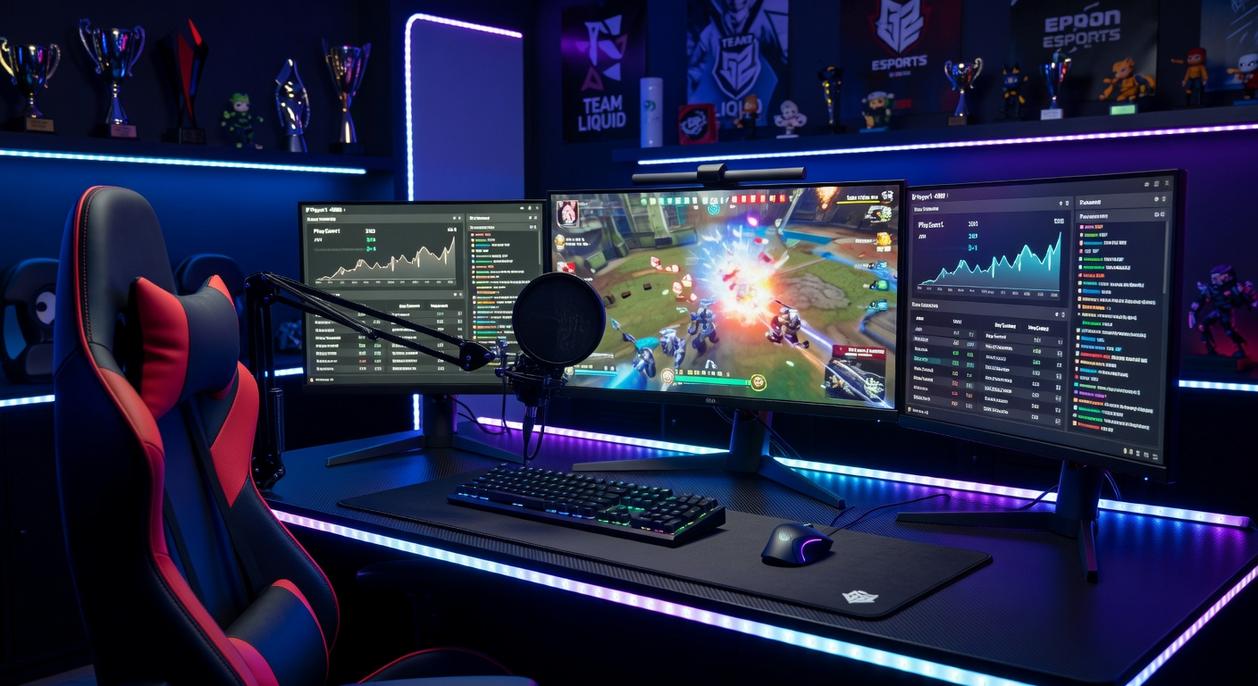
Walk any major eSports stage and you’ll see 24–25 inch 1080p panels everywhere. Why? Higher frame rates, tighter pixel density, and no head swivel to read the minimap. For a tournament ready gaming setup, pros prioritize:
- MAX FPS stability
- Full field-of-view visibility
- Consistent practice conditions
Bigger isn’t better. FASTER is.
The Human Interface: Translating Intent to Action Instantly
The Mouse – Your Digital Scalpel
A competitive mouse isn’t just a pointer; it’s a translation device between thought and pixels. A flawless optical sensor (one that tracks 1:1 without acceleration or prediction) ensures your flick lands exactly where intended. Sub‑70g weight reduces fatigue during long scrims (your wrist will thank you in overtime). Large PTFE feet—polytetrafluoroethylene, a low-friction plastic—create a smoother glide and more consistent micro-adjustments.
Some argue wired still reigns supreme. That was true—five years ago. Modern low-latency wireless now matches or even beats wired response times in lab tests (RTINGS, 2024). The real edge? Cable drag is gone. That’s measurable control competitors rarely quantify.
The Keyboard – Speed and Space
Mechanical keyboards with linear switches provide consistent actuation without tactile bumps, enabling rapid double-taps and strafes. TKL and 65% layouts remove the numpad, freeing critical mouse real estate. More space equals wider arm movement—essential for low DPI players. Pair this with precise actuation force matched to your playstyle for a tournament ready gaming setup.
The Headset – Total Sonic Awareness
Closed-back headsets isolate crowd noise in LAN arenas. Open-back fans disagree, citing wider soundstage. But isolation wins championships. Add a noise-canceling mic for clear comms—because strategy collapses without clarity. For full immersion, see optimizing dual monitor layouts for competitive play.
The Unsung Heroes: Ergonomics and Connection Stability
The Chair & Desk – The Foundation of Endurance
First and foremost, ergonomics isn’t a luxury—it’s performance equipment. An adjustable chair with lumbar support, seat height control, and tilt tension keeps your spine aligned and your shoulders relaxed. Over a six-hour tournament block, that alignment reduces muscle fatigue and preserves reaction time (the difference between clutch and choke). Pair it with a sturdy, spacious desk that prevents monitor wobble and supports proper arm positioning at roughly 90 degrees. Some argue skill alone wins games. However, even elite players admit discomfort becomes distraction. Comfort sustains focus.
The Connection – Eliminating Packet Loss
Equally important, wired ethernet is non-negotiable. Unlike Wi-Fi, which suffers from interference and packet loss (data failing to reach the server), ethernet delivers consistent latency with minimal jitter. One spike can cost a round. Stability wins matches.
Cable Management
Finally, clean cable routing prevents accidental disconnects and snags. A tournament ready gaming setup isn’t just powerful—it’s protected and precise.
Assembling a Cohesive, Tournament-Winning System
You now have the checklist for a setup built for one purpose: winning. From the CPU pushing frames to the mousepad enabling flicks, every piece works in unison. I learned this hard way. I once splurged on flashy RGB parts but ignored my monitor’s refresh rate. Guess what? I lost fights I should’ve won.
The lesson: a tournament ready gaming setup isn’t about price; it’s about alignment. Right parts, right priorities.
Audit your gear Fix bottlenecks before flexing upgrades. Pro tip: upgrade latency paths first. Build a system where your talent stays the only variable.
Level Up Your Game with Confidence
You came here looking for clarity on how to build a tournament ready gaming setup that actually gives you a competitive edge — and now you know exactly what it takes. From high-performance gear and optimized settings to smart gadget enhancements and pro-level strategies, you have the blueprint to eliminate lag, discomfort, and inconsistency from your gameplay.
The truth is, most players lose not because of skill — but because their setup holds them back. Slow response times, outdated peripherals, and poor optimization quietly sabotage performance. You don’t have to let that be you.
Now it’s time to act. Upgrade the weak points in your setup, apply the strategies you’ve learned, and fine-tune your gear like the pros do. Don’t settle for average performance when you’re capable of dominating your lobby.
If you’re serious about winning more matches and playing at your peak, start optimizing today. Explore our top-rated gaming gear reviews, proven eSports strategies, and performance-boosting gadget guides — and build the competitive edge you’ve been missing. Your next win starts with the right setup.
 Tameka Beltranice was instrumental in building the Zard Gadgets ecosystem, bringing a sharp focus to community-driven content and gaming trends. Her work in developing comprehensive gear reviews and eSports strategy guides helped establish the brand as an authoritative voice in the industry. Through her dedication to detail and passion for digital innovation, Beltranice helped turn the project into a premier destination for players at every skill level.