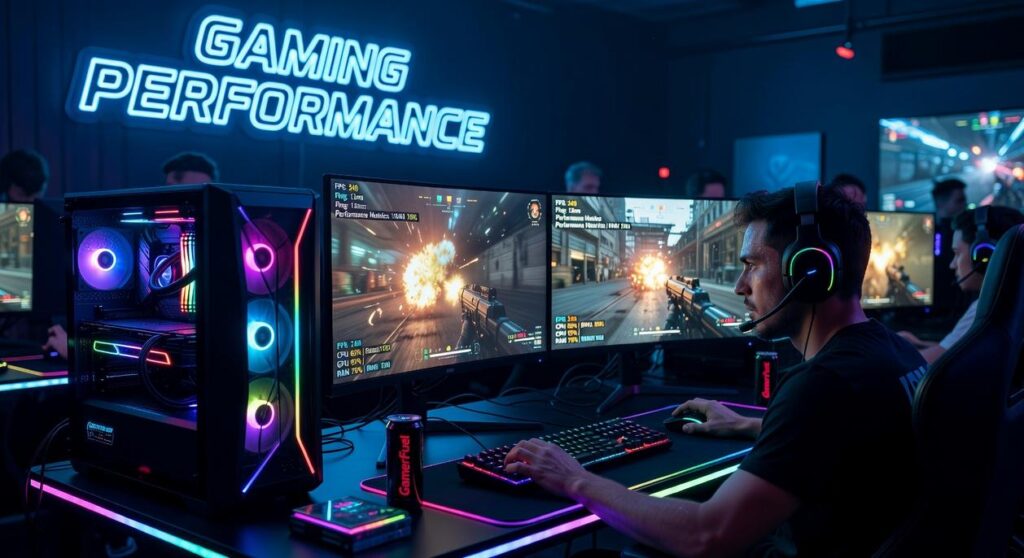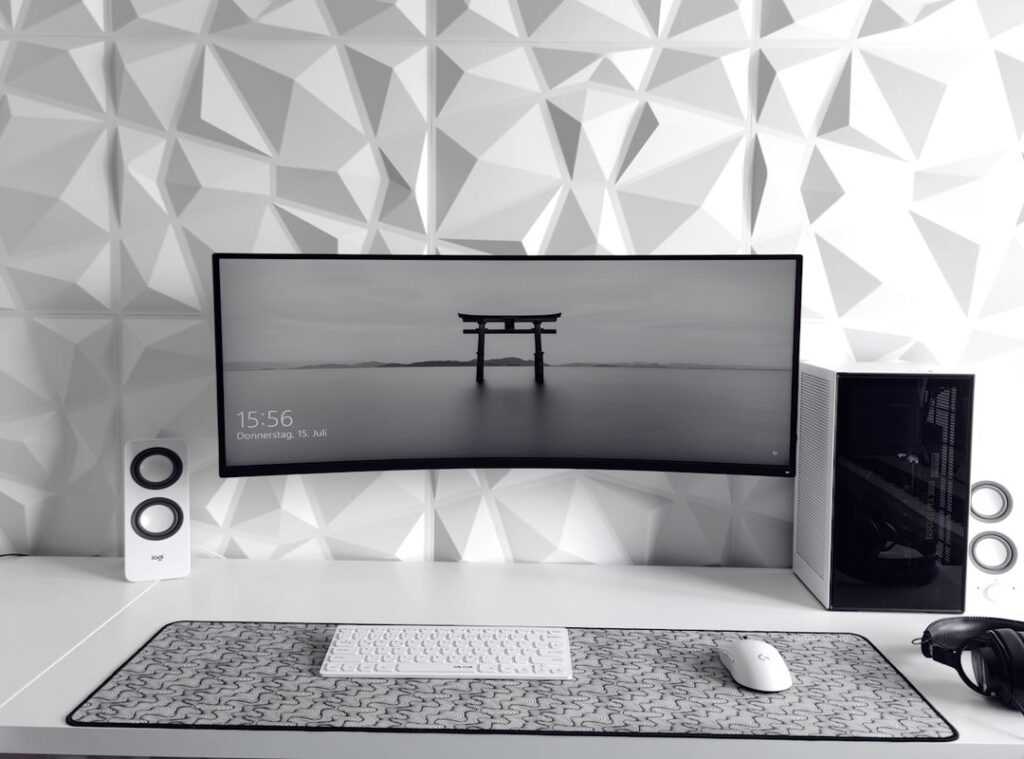
Losing a match because of lag or a missed click? Frustrating, right? Building a home esports setup guide can feel like navigating a minefield of overpriced gear that promises the world but delivers little.
We’ve been there, tested that gear in real competitions. So, you don’t have to waste your time or money.
Let’s cut through the noise. What’s important for climbing the ranks? Not flashy lights or the latest hype gadget, but tools that genuinely boost reaction time and performance.
This guide isn’t about fluff; it’s about giving you a tangible competitive edge. You deserve a setup that works as hard as you do.
Trust us, we’ve done the homework. You focus on the game. Ready for a clear, step-by-step blueprint to raise your game?
Stick around, and we’ll get you set up.
The Core Trinity: PC, Monitor, and Mouse
When it comes to a home esports setup guide, the PC, monitor, and mouse are the holy trinity. They’re not just optional accessories. They’re the non-negotiable foundation of any setup.
Without them, you might as well be playing with one hand tied behind your back.
Let’s talk PCs. In esports, it’s not about how pretty the game looks. It’s about performance.
Stable, high frames per second (FPS) are key. You want your games running smoothly with no hiccups. Prioritize your CPU and GPU.
If you have to lower the in-game settings for better FPS, do it. Trust me, you’ll thank me when you get that killer headshot.
Next up, your monitor. This is your window to the game. If you’re not using at least a 144Hz monitor, you might as well bring a knife to a gunfight. 144Hz makes everything smoother.
Easier to track your enemies. If you’re aiming for the big leagues, 240Hz or more is where it’s at. Think of it as an upgrade from an old TV to a high-def screen.
And then there’s the mouse. Your aiming tool. Three things matter: sensor, weight, and shape.
A flawless sensor prevents spin-outs. A lightweight design makes those flicks sharper and less tiring. Shape and size?
That’s all about comfort. A large mousepad is your secret weapon for low-sensitivity aiming, something the pros swear by.
Want to dive deeper into your gaming setup? You can learn more and explore how motion sensors can add to your immersive gameplay.
In summary, these three gadgets form the backbone and every penny spent is worth it. After all, in the fast-paced world of esports, you need every edge you can get. So, are you ready to level up?
Level 2: Command & Control – Keyboards and Headsets
Once you’ve nailed the core visuals and aiming, the logical next step in your home esports setup guide is getting your inputs and info gathering right. Why? Because without the right tools, even the best reflexes falter.
Keyboards are your primary input device. I swear by mechanical keyboards, and if you ask me, they’re a game-changer. They’re fast and reliable.
You know, switch types matter too. Linear switches are perfect for pure speed (like a sports car), while tactile ones give you that satisfying bump when pressed. If space is a concern, and let’s be honest, it always is, go for Tenkeyless (TKL) or smaller.
More space for that frantic mouse movement. You’ll thank me.
Now, let’s talk headsets, your information radar. Don’t treat audio like some extra feature. It’s key.
You want a good stereo soundstage to pick up subtle cues like enemy footsteps or reloads. Forget the surround sound hype. It’s often just a gimmick.
True stereo imaging is what matters. Trust me on this.
What about your microphone? You need clarity for team comms. A decent headset mic usually does the job.
Unless you’re streaming, then maybe invest in a standalone mic. But for competitive play? Not important.
For deeper dives into setups, you might want to check out the best esports setup: a complete guide. There’s always more to learn and upgrade.
Level 3: The Battle Station – Ergonomics for Endurance
This is the secret weapon of pro players. You know what I’m talking about. Consistency, my friend, comes from comfort and endurance.
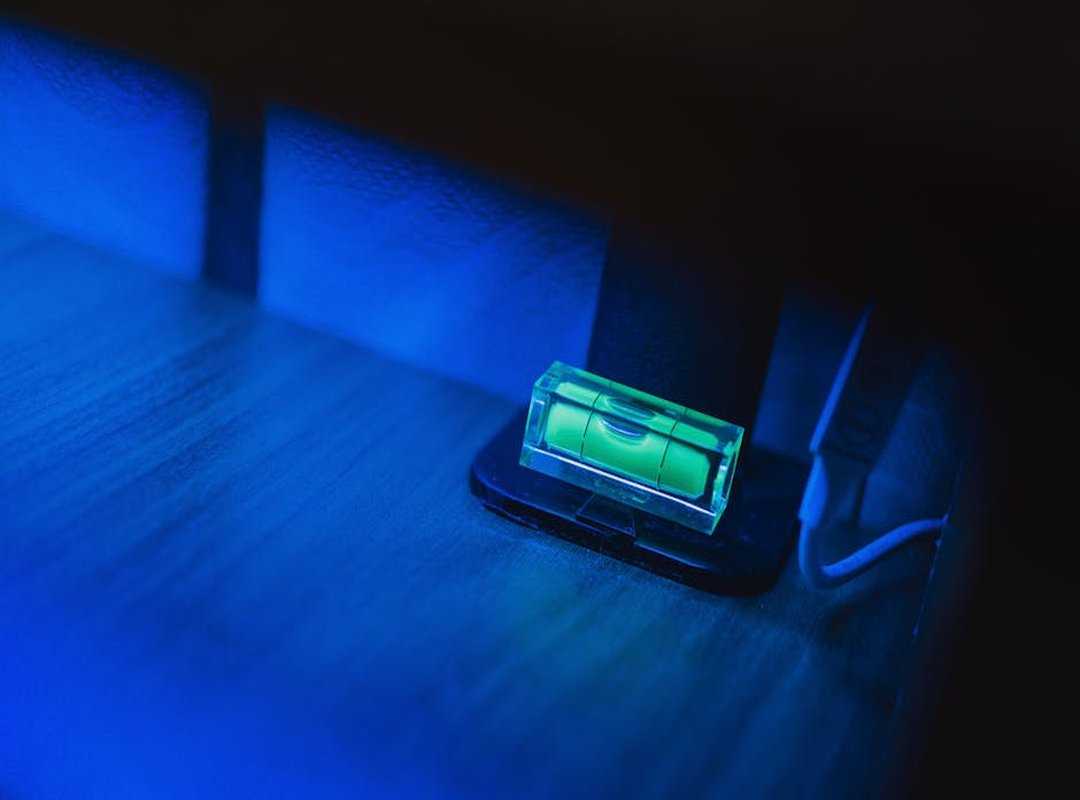
Without it, you’re just a sloppy mess after a few hours. If you want to dominate, start here.
First up, the chair. Your throne, really. Don’t get blinded by those flashy “gamer” aesthetics.
Trust me, a quality, adjustable office chair is what you need. Why? Because adjustable armrests (support those arms), good lumbar support, and height adjustment are game-changers.
It’s like night and day once you switch.
Next, the desk. It’s your arena. Size and stability are your best friends here.
A big desk lets you move freely (no) knocking your mouse off the edge in a heated moment. And it must be rock-solid. You don’t want a wobbly desk when you’re in the zone.
Now, posture. Yes, it matters. Set up your monitor at eye level.
No neck strain here. Keep your feet flat and elbows at a ~90-degree angle. It’s basic, but it’s a key differentiator.
Want to take it to the next level? Check out How To Stream Gameplay Like Pro for some solid tips. This home esports setup guide is your ticket to lasting performance.
No more fatigue, no more sloppiness. Just pure, uninterrupted focus.
The Final Boss: Banishing Lag with a Killer Network
The most expensive gear in the world means nothing if your connection drops. We all know that feeling, right? A killer move in the game, and then (lag.) It’s the worst.
So, what do we do? Wired is king. I’m serious.
But let’s say you’re plugged in and still lagging. Could your router be the weak link? It’s possible.
An Ethernet cable is non-negotiable for serious online gaming. Why? It’s faster and more stable than Wi-Fi, offering lower latency (that’s ping, folks).
Check if your router supports Quality of Service (QoS) features. This lets you prioritize gaming traffic over other devices. It’s like giving your game VIP access to the network.
Now, about ping. Low and stable ping beats massive download speeds every time. Trust me on this.
To check your ping, run a speed test. You’ll see download, upload, and ping results. Ping should be low.
If it’s high, gaming will suffer. Does this all sound like a lot? It’s worth it for a smooth gaming experience.
Your home esports setup guide should always start with a killer network. Get it right, and your gaming will thank you.
Level Up Your Gaming Gear Today
Well, there you have it. With our home esports setup guide, you’re now armed with everything you need to cut through the noise of hyped-up gear. No more confusion.
You’ve got the essentials nailed: speed, responsiveness, stability, and ergonomics. These are your secret weapons for dominating any competition.
But let’s get real for a moment. What’s the one piece of gear that’s been holding you back the most? You know the one.
It’s time to swap it out for something that truly enhances your gameplay. Why settle for less when you can have the best?
Check out our related articles like ‘Top 5 Esports Mice of the Year’ or ‘How to Improve Your PC Settings for Valorant.’ They’re packed with takeaways to keep you ahead.
Ready to level up? Dive into the world of top-tier gaming gear and feel the difference. Your next victory is just an upgrade away!
 A key contributor to the foundation of Zard Gadgets, Ronaldo Floresierna played a vital role in shaping the platform's technical and strategic edge. His expertise in eSports dynamics and gadget-driven enhancements helped bridge the gap between high-level gear and practical player performance. By focusing on professional-grade tutorials and hardware reliability, Floresierna ensured the project became a trusted resource for gamers seeking to optimize their competitive mastery.