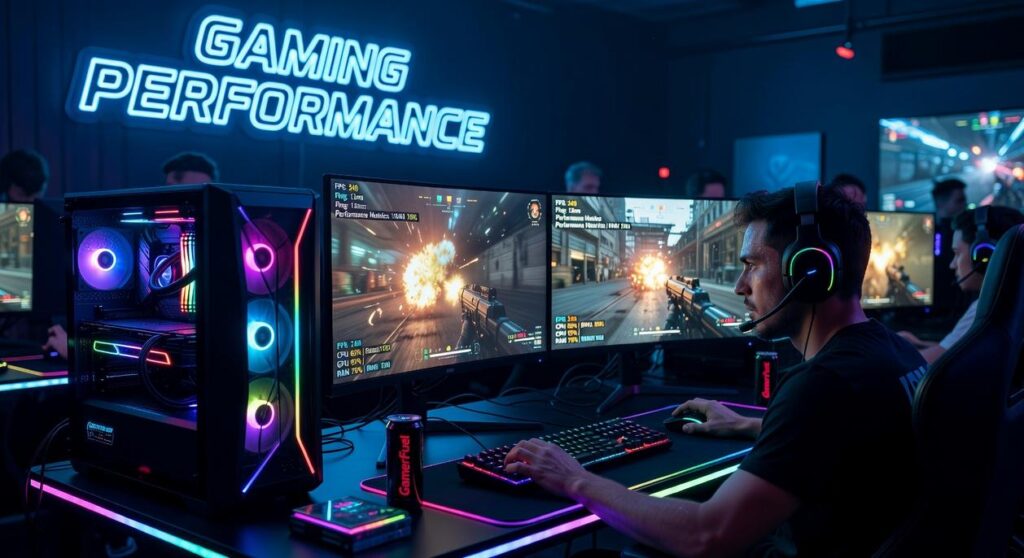
If you’re searching for a clear, no-nonsense high refresh rate gaming monitor guide, you’re likely trying to figure out which specs actually improve your gameplay—and which are just marketing hype. With esports titles demanding split-second reactions and modern AAA games pushing visual limits, choosing the right monitor can directly impact your performance, clarity, and overall experience.
This article breaks down exactly what you need to know: refresh rates, response times, panel types, adaptive sync technologies, and how they affect competitive and casual gaming alike. Whether you’re upgrading for smoother FPS matches or building a fully optimized setup, we’ll help you understand what matters most for your playstyle and budget.
Our insights are based on extensive hands-on testing of gaming gear, analysis of esports performance standards, and deep familiarity with gadget-driven enhancements that give players a competitive edge. By the end, you’ll know how to confidently choose a monitor that truly elevates your game.
Why Your Monitor’s Refresh Rate is Your Secret Weapon
You built a beast of a PC—RTX graphics, overclocked CPU—yet your aim in Valorant still feels off. The culprit? Refresh rate (Hz)—how many times per second your monitor updates the image. A 60Hz panel shows 60 frames per second; 144Hz or 240Hz shows far more, reducing motion blur and input delay (critical in clutch rounds at 2 a.m.).
Some argue resolution matters more. True for cinematic RPGs—but in competitive queues, smoothness wins gunfights.
| Refresh Rate | Best For |
|---|---|
| 60Hz | Casual play |
| 144Hz | Ranked grind |
| 240Hz+ | eSports scrims |
Balance Hz, resolution, and response time using a high refresh rate gaming monitor guide to unlock peak performance.
Decoding Hz: What is Refresh Rate and Why It Matters
Refresh rate, measured in hertz (Hz), is simply how many times per second your monitor redraws the image on screen. Think of it like a high-speed flipbook: the faster you flip the pages, the smoother the animation looks. A 60Hz monitor flips 60 “pages” per second. A 144Hz display flips 144. More flips, less blur. SIMPLE.
Now, here’s my take: 60Hz is fine for casual use, but once you experience 144Hz, going back feels like watching sports through a foggy window (and yes, it’s THAT noticeable). The jump from 60Hz to 144Hz is massive in smoothness and motion clarity. Moving to 240Hz+? That’s the razor’s edge—subtle for some, game-changing for competitive players.
Higher refresh rates reduce motion blur and input lag—the delay between your action and what appears on screen. NVIDIA notes that higher refresh rates can improve target tracking clarity and reaction times in fast-paced games (NVIDIA Developer Blog). In titles like Valorant, Apex Legends, and Call of Duty, that clarity can mean landing the shot first.
Some argue skill matters more than hardware. Sure. But in competitive play, WHY handicap yourself? If you’re serious, read a high refresh rate gaming monitor guide and see the difference firsthand. SMOOTHNESS WINS.
The Gamer’s Trinity: Balancing Refresh Rate, Resolution, and Response Time
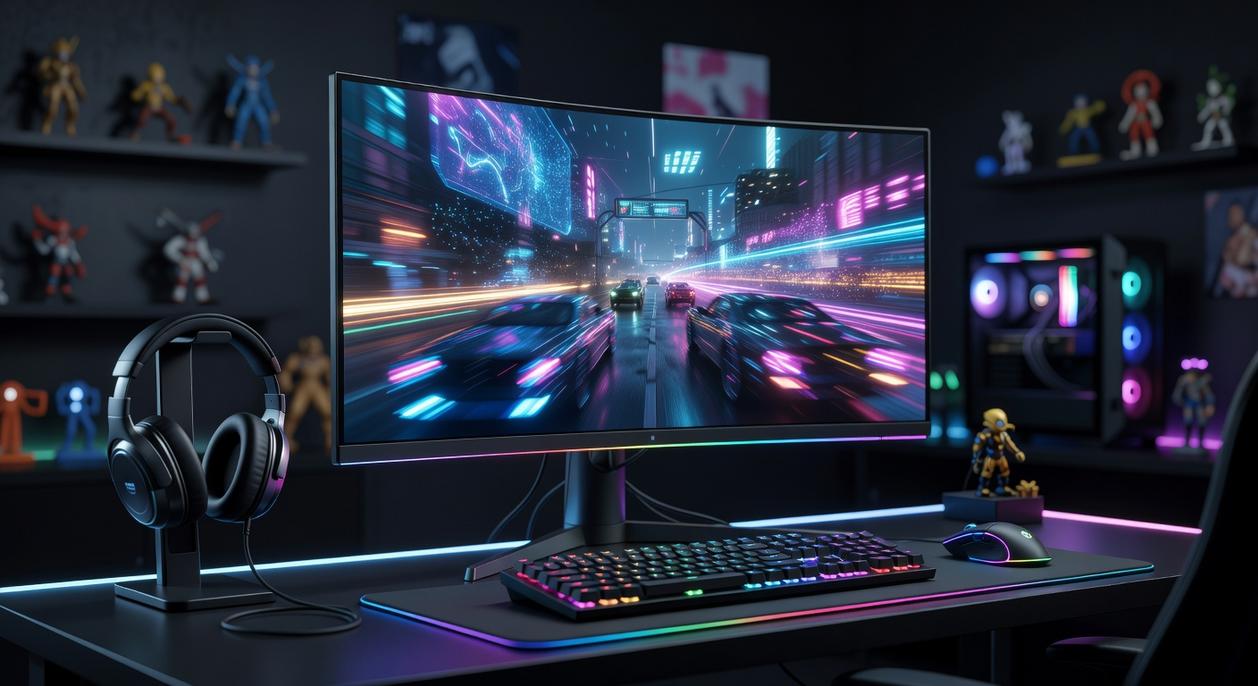
Refresh Rate vs. Resolution (The Great Trade-off)
First, let’s define the basics. Resolution refers to the number of pixels on your screen (for example, 1920×1080 for 1080p or 3840×2160 for 4K). More pixels mean sharper images. Refresh rate, measured in Hertz (Hz), is how many times per second your monitor updates the image. A 144Hz display refreshes 144 times per second.
Here’s the catch: your GPU has to render every pixel of every frame. So yes, a 4K 60Hz monitor demands heavy pixel processing, while a 1080p 240Hz display demands rapid frame output. Trying to max out both is like asking your PC to run a marathon and a sprint at the same time (it will complain loudly).
Some argue that resolution always matters more for immersion. Others swear by ultra-high refresh for competitive edge. Both are right—depending on your goal.
The Sweet Spot for Most Gamers
For most players, 1440p at 144Hz–175Hz hits the balance. You get crisp visuals and fluid motion without requiring a top-tier GPU. In fast titles like Apex Legends or Valorant, that smoothness translates into measurable responsiveness (studies show higher refresh rates can improve reaction performance, NVIDIA research).
Speculation: as GPUs become more efficient, 1440p at 240Hz may become the new mainstream sweet spot within a few years.
If you’re optimizing your full setup, don’t miss gaming mouse dpi explained finding the perfect sensitivity.
Response Time: The Unsung Hero
Finally, response time (ms) measures how fast pixels change color. Lower is better. A 1ms Gray-to-Gray (GTG) rating helps prevent ghosting—that blurry trail behind moving objects.
Even the best high refresh rate gaming monitor guide will tell you this: high Hz without low response time is like buying a sports car with worn tires. Smooth frames mean nothing if clarity smears mid-fight.
Pro tip: prioritize low response time alongside refresh rate for competitive play.
Matching Your Monitor to Your Games and Your GPU
Choosing the right monitor isn’t just about size or brand—it’s about aligning performance with your goals. Let’s break it down with evidence.
For the eSports Competitor
If you’re grinding ranked ladders, refresh rate is king. A refresh rate refers to how many times per second your screen updates the image, measured in Hertz (Hz). The jump from 60Hz to 144Hz dramatically reduces motion blur, but competitive players push even further. According to NVIDIA testing, higher refresh rates can improve target tracking and reaction times in fast-paced shooters. That’s why the pro standard often sits at 1080p with 240Hz or even 360Hz. Lower resolution reduces GPU load, allowing higher frame rates and lower input latency (the delay between your click and the on-screen action). In games like Valorant or CS2, that split-second clarity matters.
For the AAA Immersion Seeker
On the other hand, cinematic titles like Cyberpunk 2077 or Starfield benefit from resolution and visual fidelity. A 1440p or 4K monitor at 120Hz–165Hz strikes a practical balance. Studies from display manufacturers show most gamers perceive major smoothness gains up to 144Hz, with diminishing returns beyond that for non-competitive play. In other words, sharper worlds plus fluid motion equals immersion without overkill.
Your GPU Is the Gatekeeper
However, none of this works if your graphics card can’t keep up. An RTX 4060 comfortably handles 1080p at 144Hz in many modern titles. Meanwhile, driving 1440p or 4K at high refresh rates typically demands an RTX 4080-class GPU or better. Benchmarks from TechPowerUp consistently show steep performance scaling between tiers.
Before buying, consult a high refresh rate gaming monitor guide and compare it against real benchmark data. Otherwise, you’re pairing a race car monitor with a scooter engine (and nobody wants that).
Adaptive Sync—namely G-SYNC and FreeSync—matches your GPU’s frame output to your monitor’s refresh rate, meaning the screen updates in perfect step with your graphics card. The result? No screen tearing (that ugly split-image effect) and far less stuttering. Some gamers argue it’s optional if you already have high FPS. However, even powerful rigs fluctuate, especially in open-world titles like Cyberpunk 2077, so synchronization becomes a non-negotiable smoothness boost.
Meanwhile, panel types matter. IPS (In-Plane Switching) delivers superior color accuracy and wide viewing angles. VA (Vertical Alignment) counters with deeper blacks and stronger contrast, though sometimes slower response times. Check any high refresh rate gaming monitor guide and you’ll see why most gamers lean IPS.
Choosing your next display comes down to variables: refresh rate, resolution, and GPU power. Refresh rate (measured in hertz, or Hz) means how many times per second your screen updates. A 144Hz panel redraws 144 times second—smoother motion, tracking. Resolution defines pixel count; higher looks but demands from your graphics card.
If gameplay felt “off,” the bottleneck was a 60Hz monitor capping frames.
Use this high refresh rate gaming monitor guide to match:
- Fast esports titles → prioritize 144Hz–240Hz
- Story-driven 4K games → balance visuals and frames
Pro tip: aim for frames equal to monitor’s Hz for advantage.
Level Up Your Competitive Edge with the Right Display
You came here looking for clarity on choosing the right display for smoother gameplay, faster reactions, and a true competitive edge. Now you understand how refresh rate, response time, panel type, and adaptive sync all work together to impact your performance.
The truth is, lag, screen tearing, and motion blur aren’t just minor annoyances—they cost you wins. Whether you’re grinding ranked matches or sharpening your mechanics, the wrong monitor can hold you back no matter how skilled you are.
That’s why following a high refresh rate gaming monitor guide isn’t just helpful—it’s essential. When you choose the right setup, you eliminate distractions, react faster, and play with the fluid precision competitive gaming demands.
Now it’s your move.
Stop settling for choppy visuals and missed frames. Explore top-rated, tournament-ready monitors trusted by competitive players, compare the specs that matter, and upgrade to a display built for serious performance. Make the switch today and experience the smooth, responsive gameplay you’ve been missing.
 Tameka Beltranice was instrumental in building the Zard Gadgets ecosystem, bringing a sharp focus to community-driven content and gaming trends. Her work in developing comprehensive gear reviews and eSports strategy guides helped establish the brand as an authoritative voice in the industry. Through her dedication to detail and passion for digital innovation, Beltranice helped turn the project into a premier destination for players at every skill level.