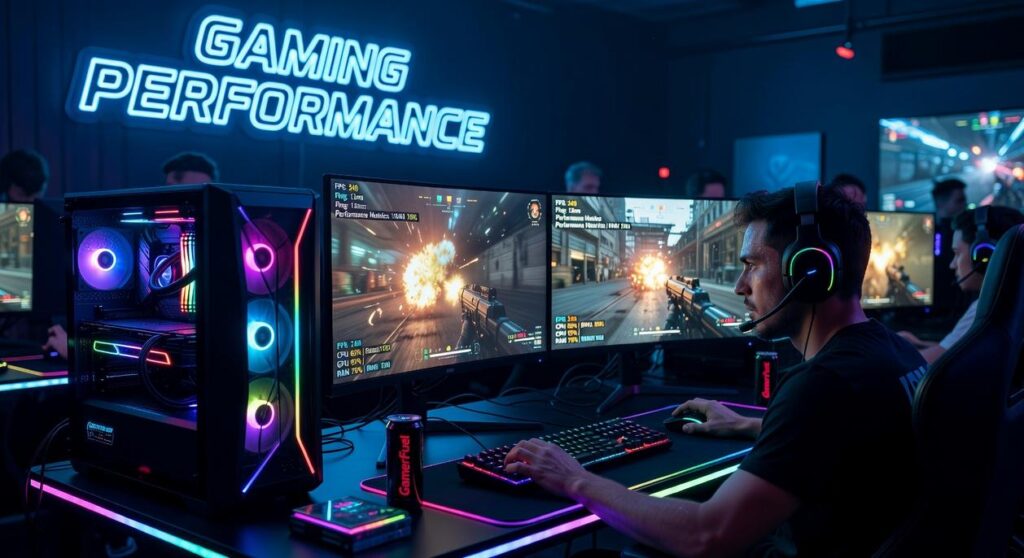
If you’ve ever adjusted your mouse settings before a match and wondered what difference those numbers actually make, this guide to gaming mouse dpi explained is exactly what you’re looking for. Gamers often hear that higher DPI means better performance—but that’s not always true. Choosing the wrong sensitivity can throw off your aim, reaction time, and overall consistency, especially in competitive play.
In this article, we break down what DPI really means, how it affects cursor movement and in-game accuracy, and how to find the ideal setting for your playstyle. Whether you’re into fast-paced FPS titles or precision-based strategy games, understanding DPI can give you a measurable edge.
To ensure accuracy, we analyzed manufacturer specifications, competitive player settings, and performance benchmarks across multiple game genres. By the end, you’ll know exactly how DPI works, how it differs from sensitivity, and how to optimize your setup for smoother, more controlled gameplay.
Stop Guessing Your DPI
You unbox a sleek new gaming mouse, flip it over, and there it is: the mysterious DPI button. “Should I crank this to 16,000?” a friend once asked me. That’s the problem. Most gamers ignore it, max it out, or copy a pro’s settings without context. Bigger isn’t better. As one coach told us, “Consistency beats chaos every time.” In this gaming mouse dpi explained guide, you’ll learn what DPI—dots per inch, or sensor sensitivity—really means, how it shapes aim, and a simple way to dial in your perfect setting. Tested across genres, competitively and casually worldwide.
What is DPI? Translating Tech Specs into In-Game Performance*
Once you’ve mastered the intricacies of DPI settings to find your ideal sensitivity, you can take your gaming experience to the next level by exploring our guide on How to Build a Tournament-Ready Gaming Desk Setup.
The first time I upgraded my gaming mouse, I cranked the DPI to the maximum—because bigger number, better aim… right? Within five minutes, my crosshair was flying across the screen like it had chugged three energy drinks. That’s when I realized I didn’t actually understand DPI.
Dots Per Inch (DPI) is the hardware sensitivity of your mouse. In simple terms, it’s how many “steps” your cursor takes on screen for every inch you move the mouse on your desk. Think of it like stride length. At 400 DPI, it’s like taking large, deliberate steps. At 3200 DPI, it’s tiny, rapid steps—more movement on screen with less physical motion.
In-game, that translates directly to crosshair behavior. Lower DPI often feels steadier for precise aiming. Higher DPI feels faster and more reactive (sometimes too reactive).
Here’s the myth: higher DPI means a better mouse. Marketing loves that narrative. But DPI isn’t a performance score—it’s a tool. Many pro players use surprisingly low settings, proving preference beats flashy specs (Source: ProSettings.net).
It’s also important to separate hardware DPI from software sensitivity. DPI lives in your mouse; in-game sensitivity is a multiplier layered on top. Understanding both is key to truly mastering gaming mouse dpi explained.
The Great Debate: High DPI vs. Low DPI in Competitive Gaming
Low DPI (400–800): The Choice of Tactical Shooters
First, let’s define DPI—dots per inch, or how far your cursor moves relative to physical mouse movement. In simple terms, gaming mouse dpi explained: higher DPI equals faster cursor travel; lower DPI equals slower, more controlled movement.
In tactical shooters like CS:GO and Valorant, most pros sit between 400–800 DPI. Why? Stability. Lower sensitivity reduces “pixel skipping” (when your crosshair jumps past tiny targets) and encourages large arm movements that build consistent muscle memory. Think of it like Hawkeye in the Avengers—calm, deliberate, no wasted motion. Critics argue low DPI is outdated and too slow for modern metas. However, in games where a single headshot decides the round, precision beats flash every time.
High DPI (1600+): The Realm of Fast-Paced Action
Now shift to Apex Legends, Overwatch, or MOBAs. Here, 1600+ DPI shines. Faster cursor speed enables rapid 180-degree turns and quick target swaps. You also need less desk space—ideal for compact setups. Wrist-based aiming dominates, which some claim causes inconsistency. Still, in chaotic fights that feel like a Michael Bay action scene, speed can outweigh surgical precision.
The Middle Ground (800–1600): The Versatile Sweet Spot
For players bouncing between genres, 800–1600 DPI offers balance. It blends control with agility, making it a practical starting range.
Pro archetypes reinforce this pattern: the tactical sniper at 400 DPI, the hyper-aggressive entry fragger at 800, the high-sens flex DPS at 1600+. Ultimately, it’s less about copying pros and more about matching DPI to your game’s tempo—and your playstyle.
Beyond DPI: Understanding eDPI, The Only Metric That Matters
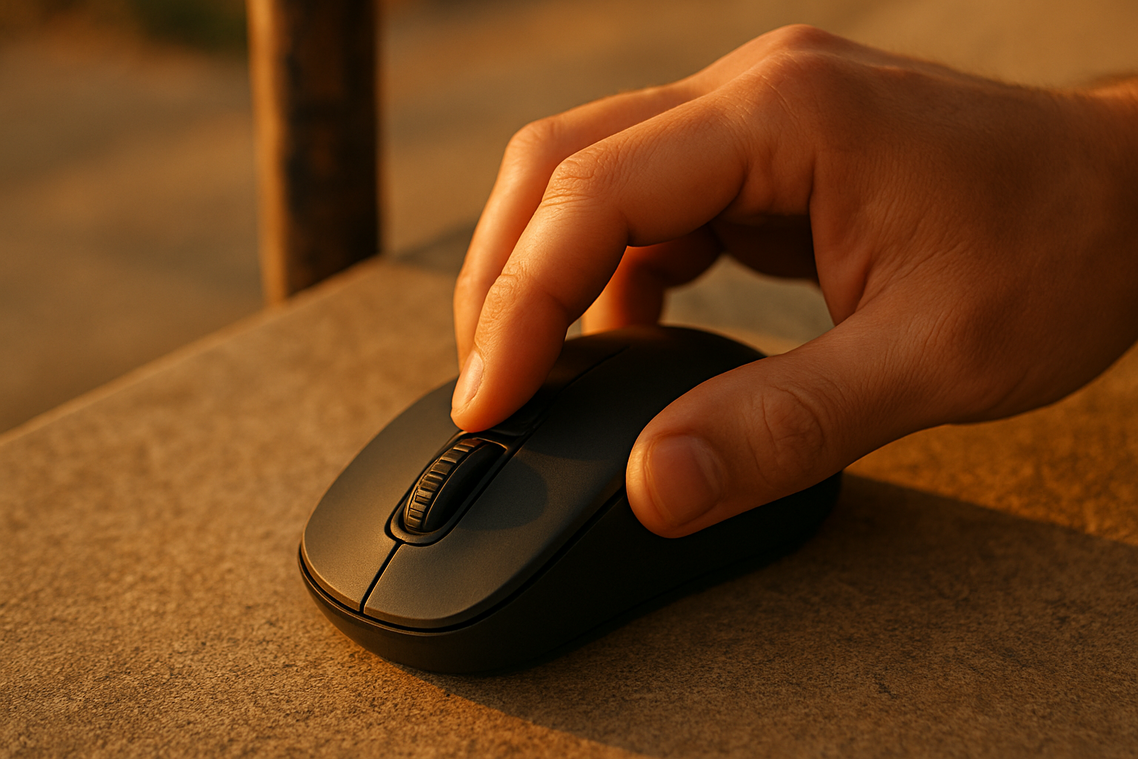
Let’s be honest. Talking about DPI alone is almost useless. Yet gamers still argue about it like it’s the holy grail of aim. (It’s not.) DPI—dots per inch, meaning how far your cursor moves per inch of mouse movement—only tells half the story.
What actually matters is eDPI, or Effective Dots Per Inch. This is your true sensitivity.
Here’s the golden formula:
eDPI = Mouse DPI × In-Game Sensitivity
For example:
800 DPI × 0.5 sensitivity = 400 eDPI
Simple. Clean. No guesswork.
So why is this a game-changer? Because eDPI creates a universal standard. You can finally compare your sensitivity to a pro player’s settings without wondering if you’re missing something. It cuts through the confusion that most “gaming mouse dpi explained” guides never fully clarify.
Even better, two players can have identical effective sensitivity with different setups:
- 400 DPI at 1.0 sensitivity = 400 eDPI
- 800 DPI at 0.5 sensitivity = 400 eDPI
Same feel. Different inputs.
Now, some players argue DPI alone is enough. After all, higher DPI sounds more “precise.” But precision without context is meaningless. (It’s like bragging about horsepower without mentioning the car.)
If you’re already optimizing gear—like in wired vs wireless gaming headsets latency and sound quality tested—you should optimize sensitivity the same way.
Pro tip: Start with a common pro eDPI range for your game, then fine-tune gradually. Your aim—and sanity—will thank you.
Your Perfect Aim: A 3-Step Process to Find Your Ideal DPI
Dialing in your sensitivity isn’t guesswork—it’s controlled testing. Think of it as precision tuning, not random slider dragging (we’ve all been there).
Step 1: The “One Swipe” Test
Place your mouse on one edge of your pad and swipe to the other. Your character should rotate 180–270 degrees. If you spin 360+, your DPI is too high. If you barely turn, it’s too low. High DPI vs low DPI here is about range: too fast sacrifices control; too slow limits mobility. This is gaming mouse dpi explained in action.
Step 2: The Tracking Test
Enter the training range and follow a bot’s head without firing.
- Overshooting and jittery? DPI too high.
- Lagging behind? DPI too low.
Step 3: The “Flick” Test
Flick between two targets. Land in one clean motion. Overshoot vs undershoot tells you which direction to fine-tune. The sweet spot feels snappy—but controlled (like snapping to heads in a highlight reel, not fighting your own mouse).
From Confusion to Control: Mastering Your Aim
Understanding DPI isn’t about chasing a magic number. It’s about building consistent muscle memory that fits you. If you’ve ever copied a pro’s settings and wondered why your crosshair felt wild, you’ve felt that frustration.
Here’s the fix:
- Calculate your eDPI.
- Run the 3-step test.
- Adjust in small increments.
That’s it.
With this method, you stop guessing and start measuring. (No more marketing hype rabbit holes.) Think of gaming mouse dpi explained as your blueprint, not a shortcut. Pro tip: once locked in, pair it with a mousepad or mouse to maximize control.
Level Up Your Precision Today
You came here for gaming mouse dpi explained, and now you understand what DPI really means, how it affects sensitivity, and how to choose the right settings for your playstyle. No more guessing. No more copying a pro’s setup without knowing why it works.
The truth is, using the wrong DPI can quietly sabotage your aim, reaction time, and overall performance. Whether you’re overshooting targets or struggling with micro-adjustments, your settings could be holding you back.
Now it’s time to take action. Adjust your DPI, test it in real matches, and fine-tune it until your movements feel effortless and controlled. Pair the right settings with a high-performance gaming mouse designed for precision and consistency.
If you’re serious about sharper aim and smoother tracking, don’t settle for average gear. Explore top-rated gaming mice trusted by competitive players and upgrade your setup today. Your aim—and your rank—will thank you.
 As the founder of Zard Gadgets, Zelviera Grendora bridges the gap between high-performance hardware and competitive mastery. By curating expert gear reviews, eSports strategies, and pro-level tutorials, she has created a premier destination for players looking to sharpen their digital edge. Under her leadership, the platform empowers every gamer to stay ahead of the curve with gadget-driven enhancements and elite insights.